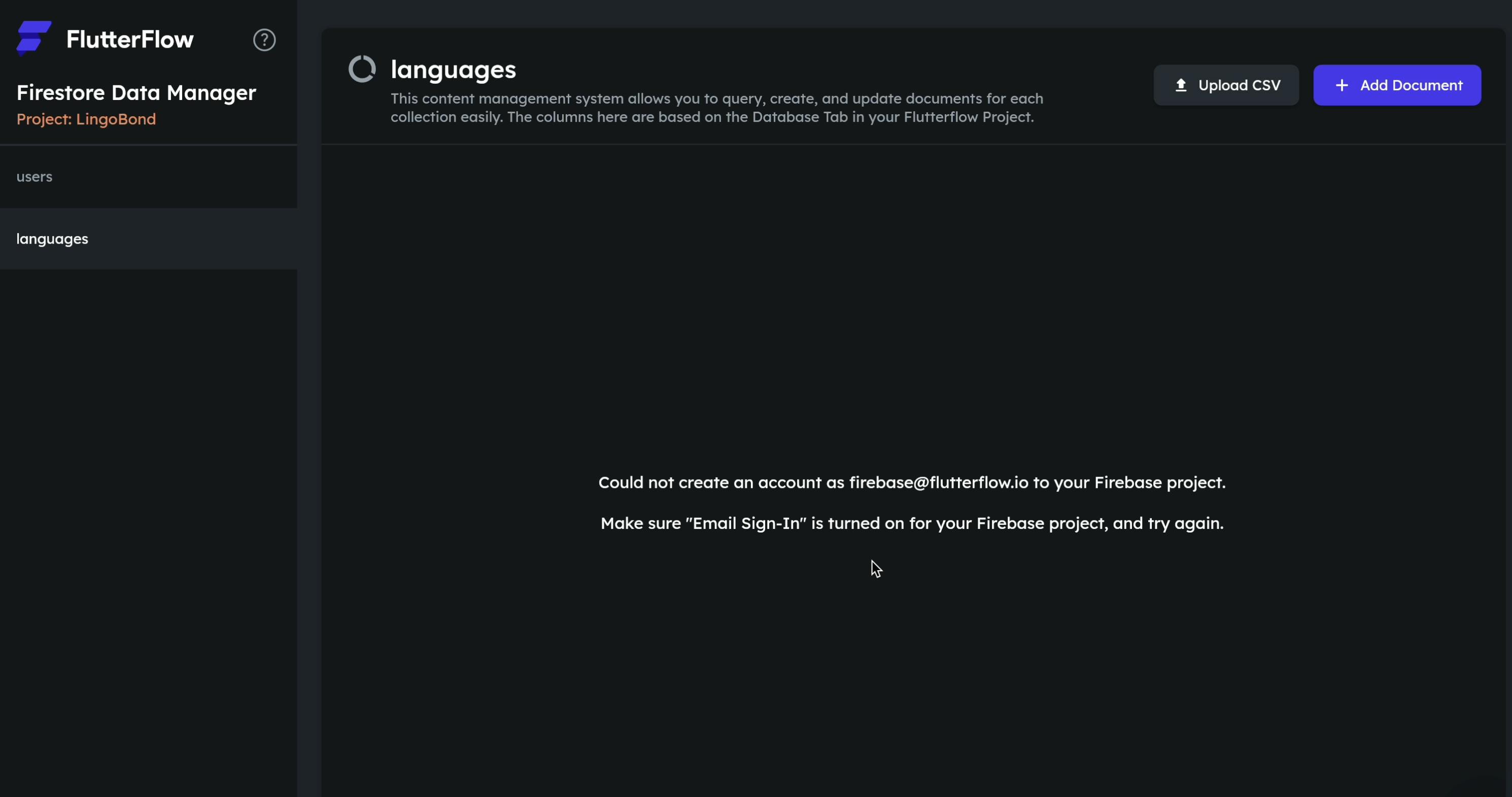
When opening the Content Manager for any Firestore collection, it fails to load and displays the error message: "Could not create an account as [email protected] to your Firebase project. Make sure 'Email Sign-In' is turned on for your Firebase project, and try again."
This error blocks all UI functionality for viewing, adding, or editing data within the Content Manager.
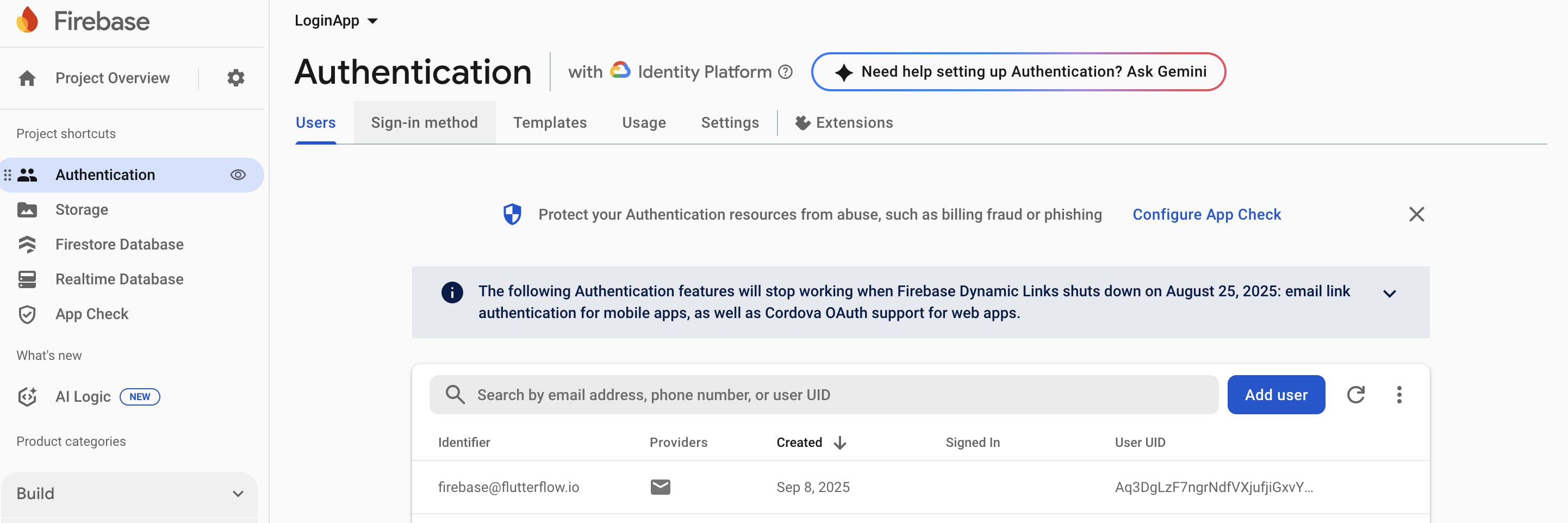
However, if I use the "Upload CSV" feature on the very same error screen, the upload process completes successfully. When I check my Firebase Firestore console directly, the data from the CSV file is present. This proves that the underlying connection and permissions for [email protected] are actually working correctly, but the Content Manager UI is failing to initialize and showing a false/misleading error.
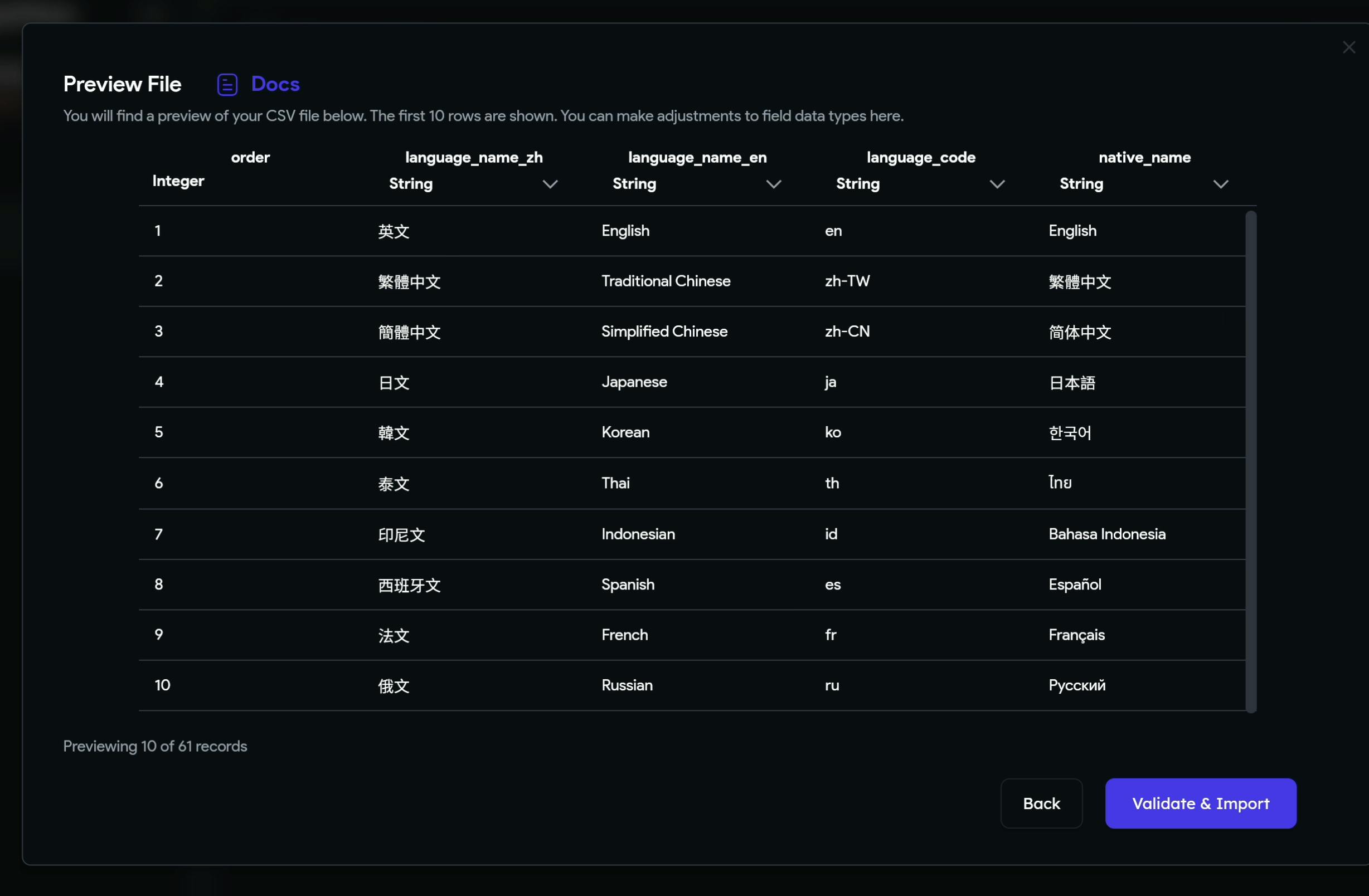
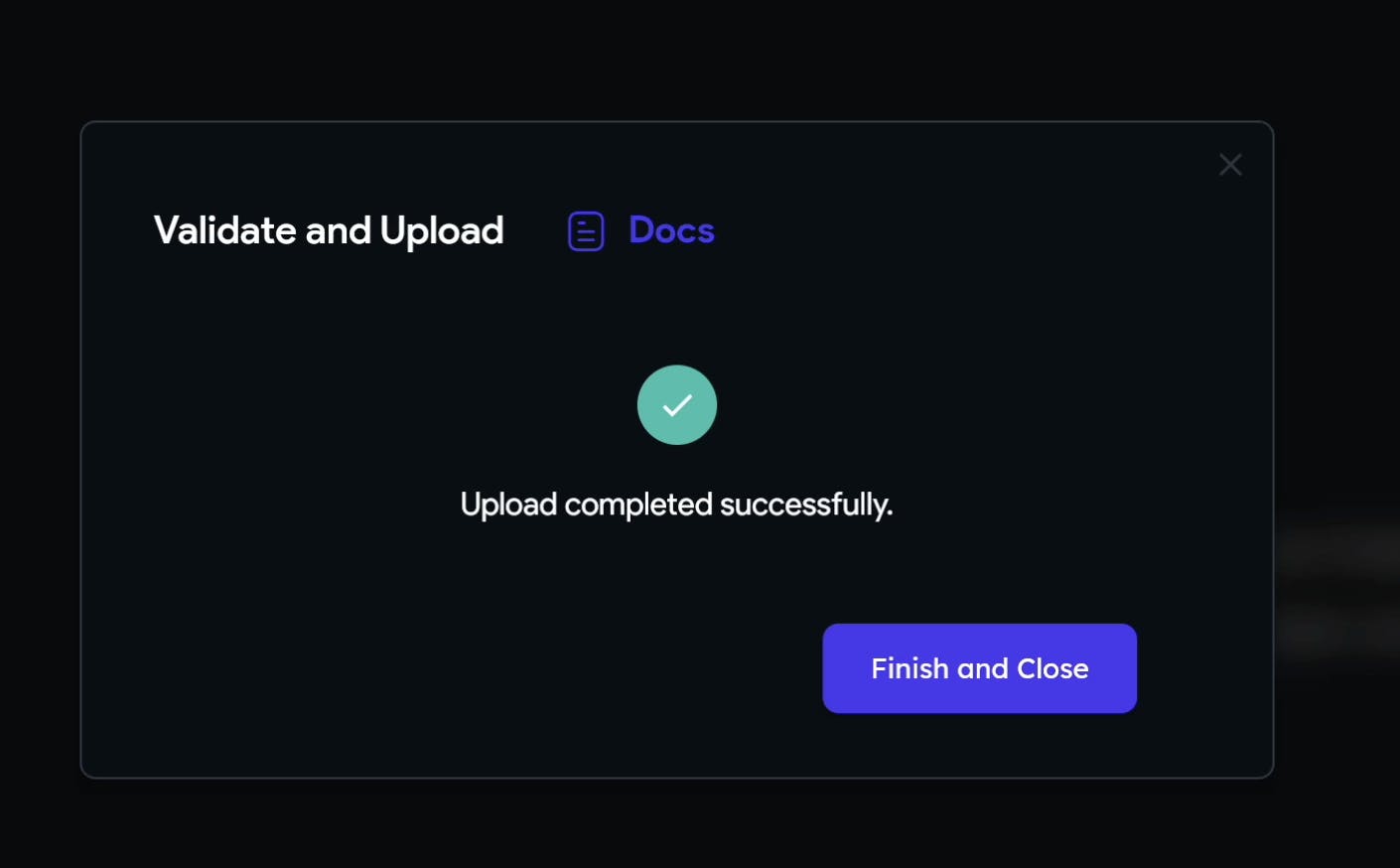
the data from the CSV file is present.
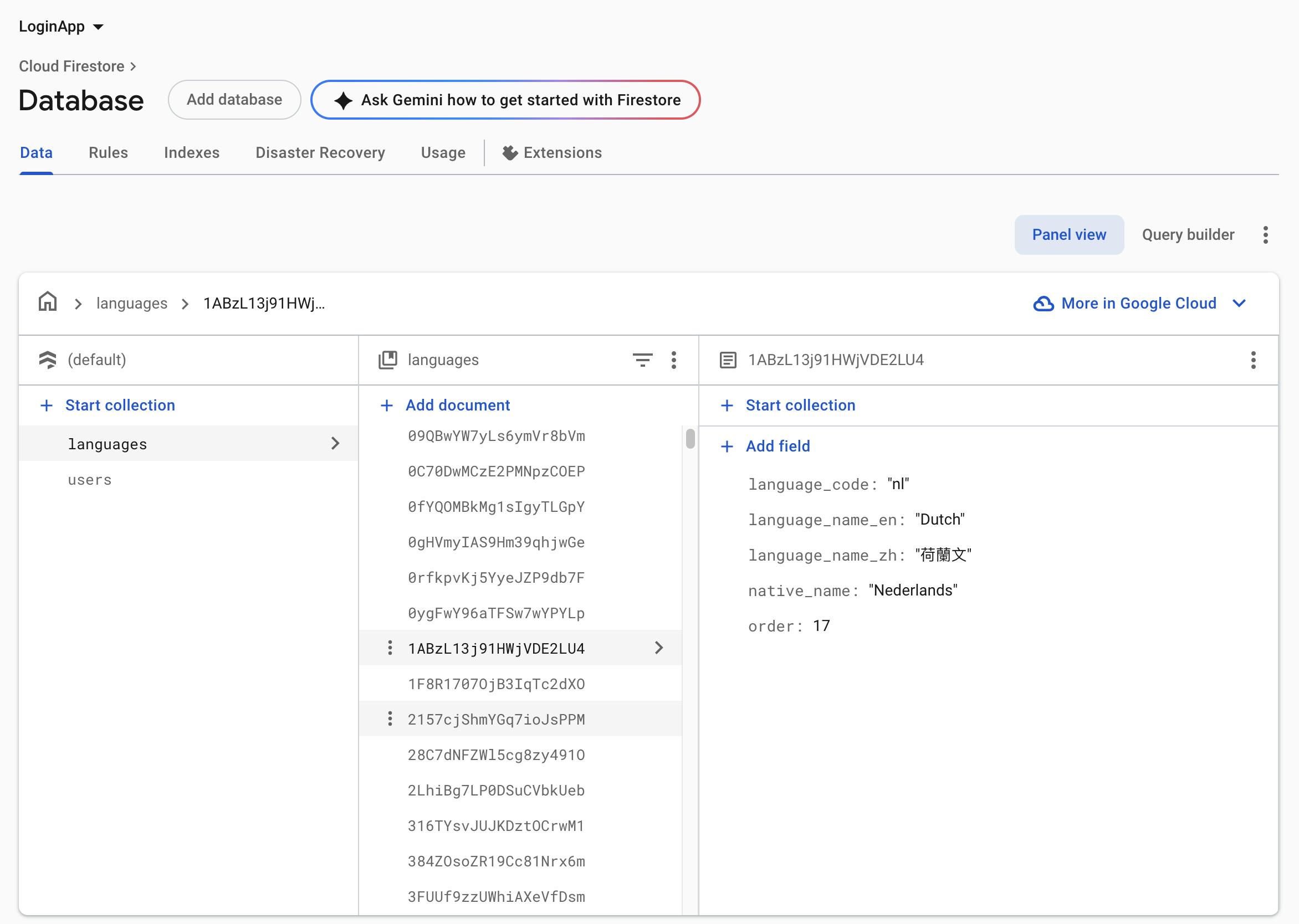
I have already performed all standard troubleshooting procedures to resolve this issue, including:
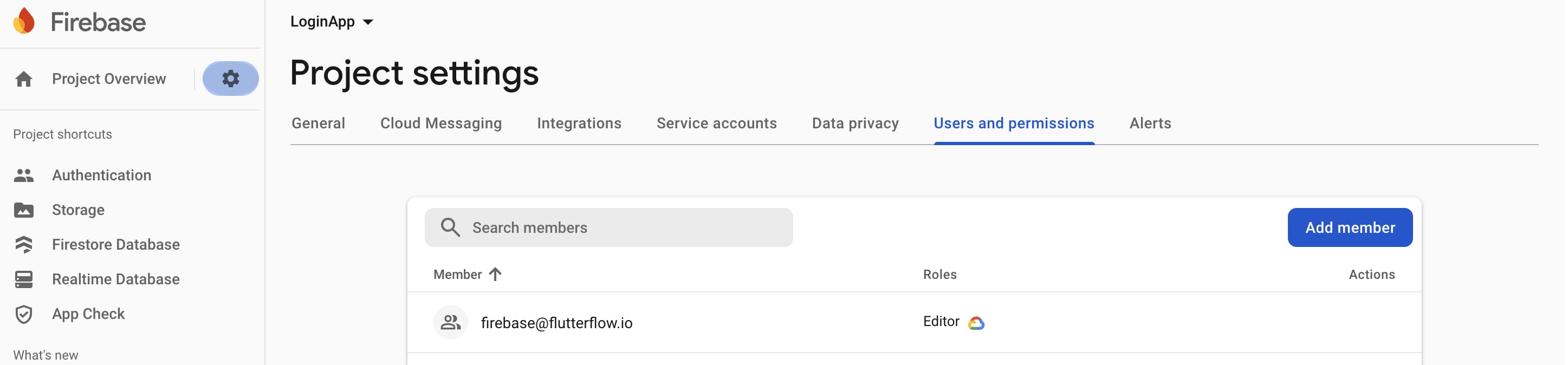
Verifying that [email protected] has the "Editor" role in my GCP/Firebase project.
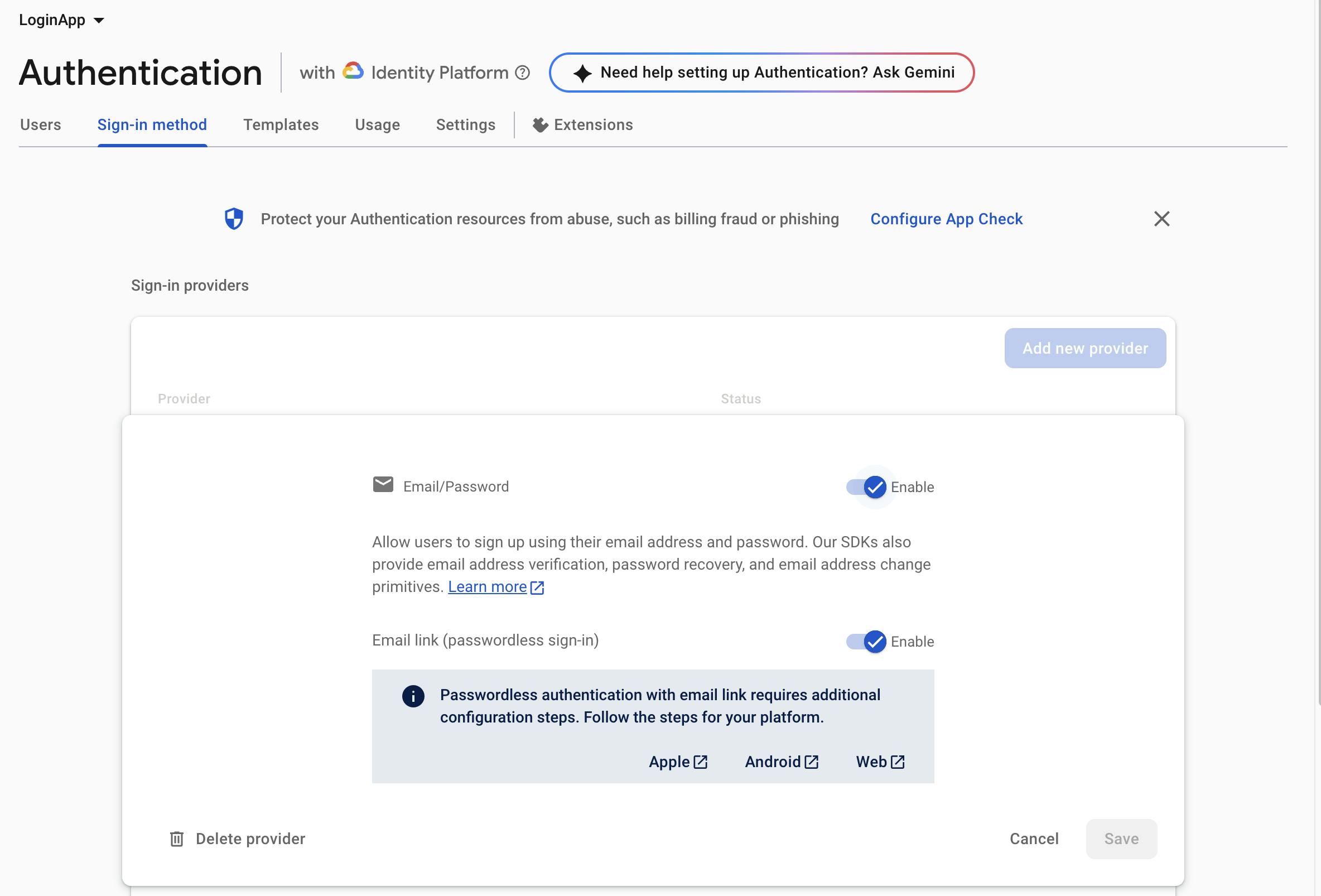
Confirming that Email/Password sign-in is enabled in Firebase Authentication.
Regenerating Firebase config files within FlutterFlow.
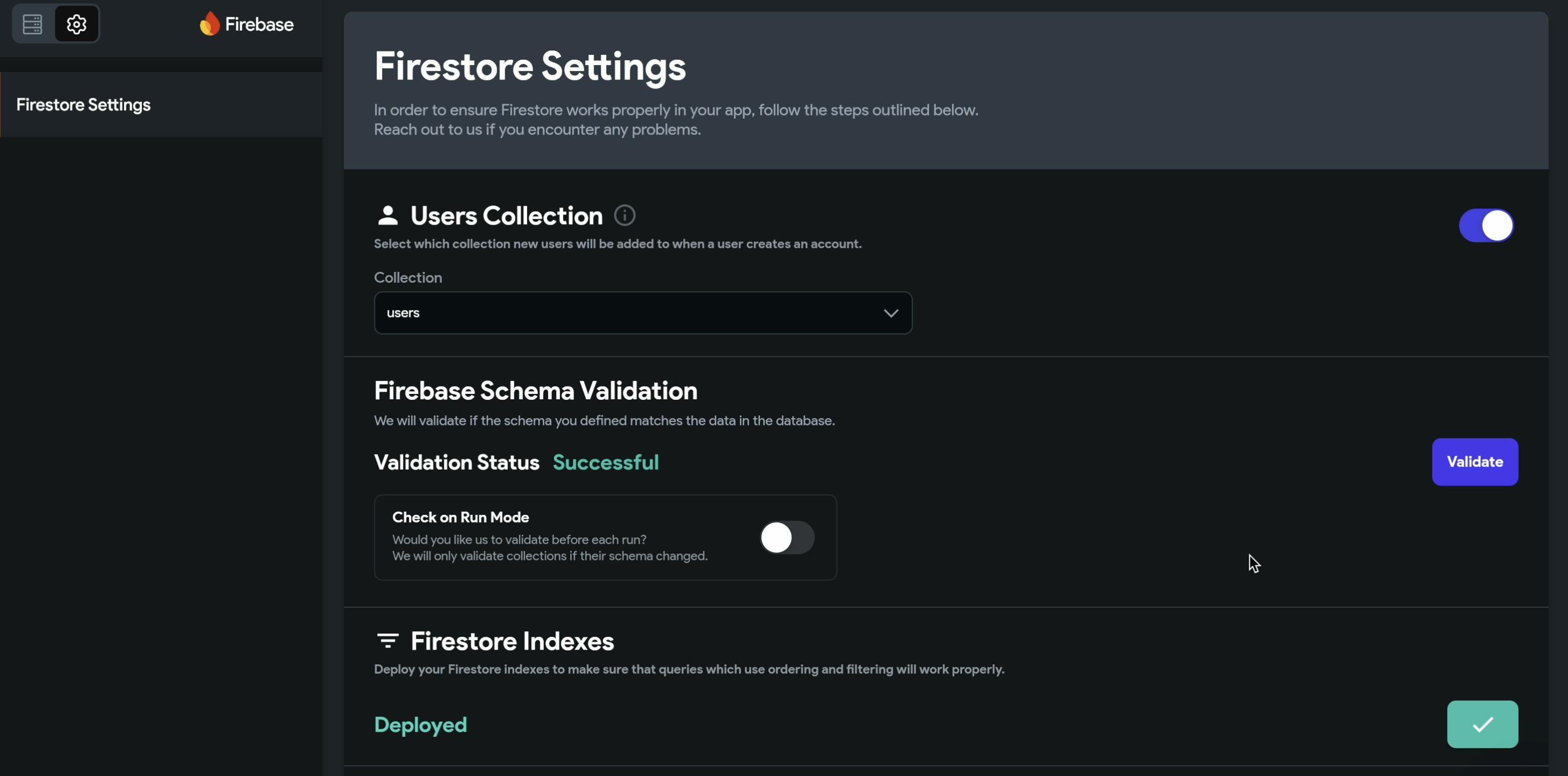
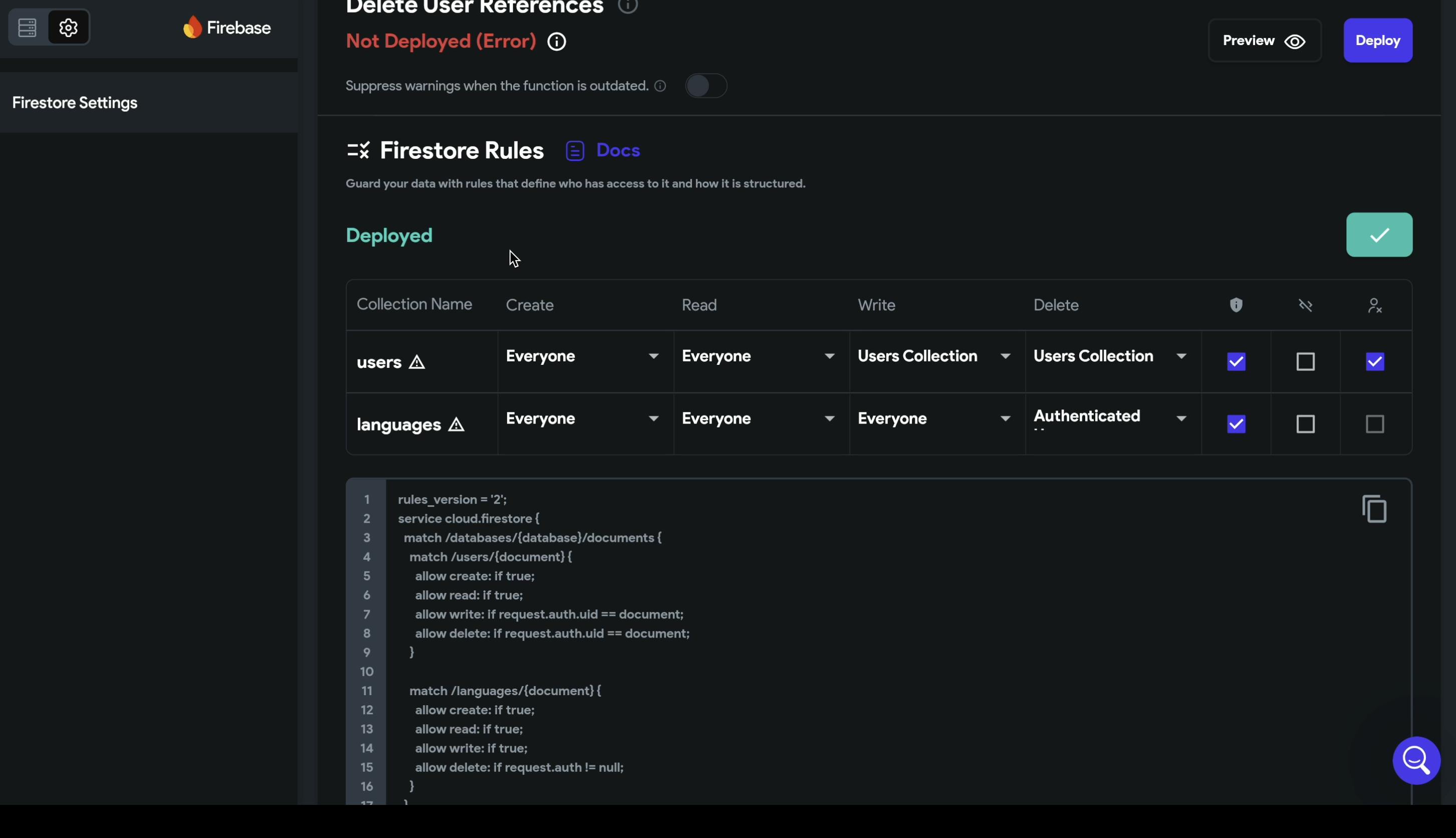
Redeploying Firestore rules.
Performing a hard refresh of the browser and logging out and back into my FlutterFlow account.
The core problem seems to be a bug within the Content Manager's initialization check. While the check fails and reports a stale error, other functions like the CSV Uploader can authenticate successfully in the background. The error message shown is misleading.
Steps to Reproduce
Connect a Firebase project to a FlutterFlow project.
In the Google Cloud/Firebase project settings, ensure the [email protected] service account has the "Editor" role.
In Firebase Authentication, ensure the "Email/Password" sign-in provider is enabled.
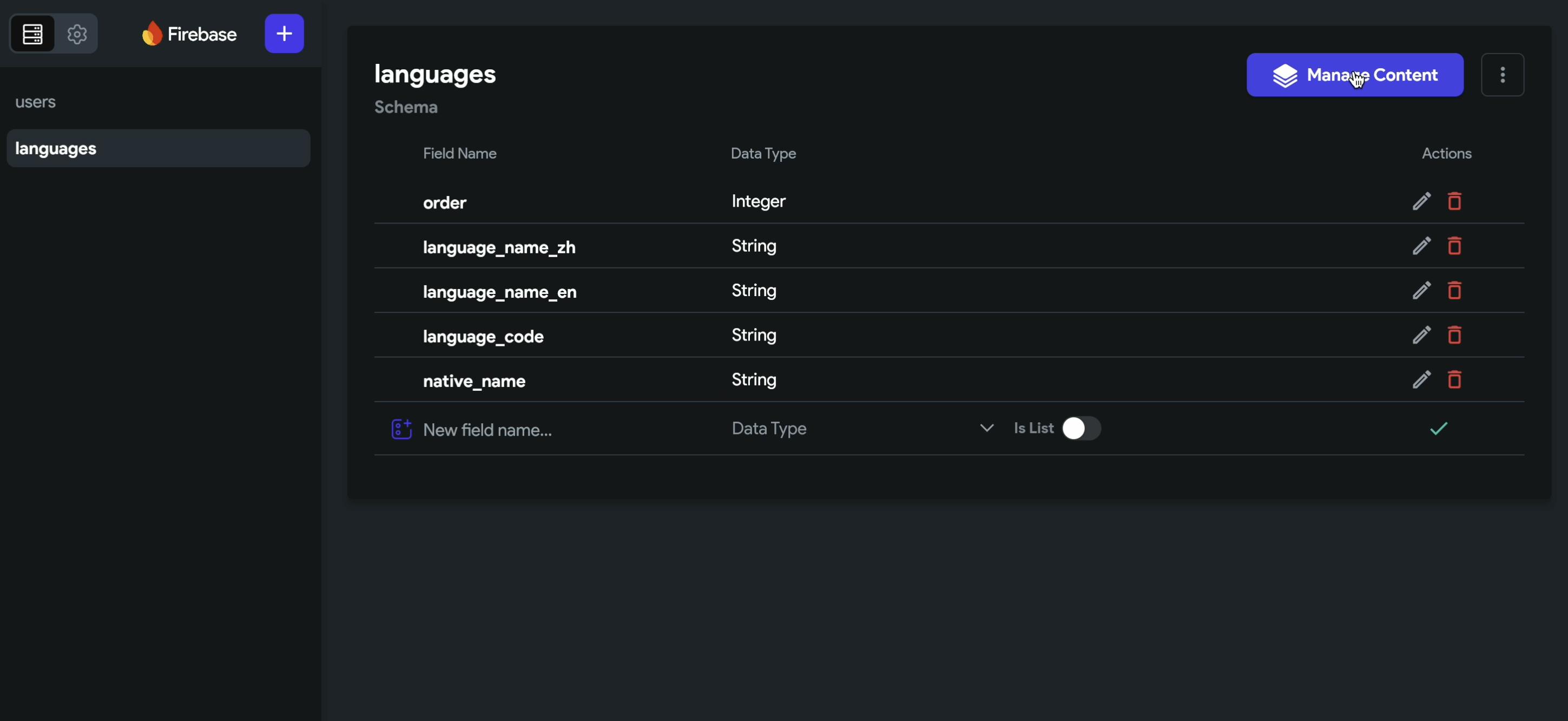
In FlutterFlow, create a Firestore collection (e.g., "languages").
Navigate to the Firestore section in FlutterFlow and click the "Manage Content" button for the collection.
Observe that the Content Manager fails to load and shows the "Could not create an account..." error.
Despite the error, click "Upload CSV", select a valid file, and proceed. The UI reports a successful upload.
Go to the Firebase console and verify that the data from the CSV now exists in the Firestore collection.
Return to the FlutterFlow Content Manager; the error message remains, and no data is displayed.