


Hi Guys,
I published my app on the web, and I noticed an issue on the Forgot Password page when testing it on Android.
When the user taps the email field, the keyboard appears as expected. However, after pressing the back navigation button to close the keyboard, the page does not resize properly and leaves a large empty space on the screen.
I have already tried turning Resize Page off and disabling the Android back button, but the issue is still occurring.
Does anyone know how to make the page resize correctly after the keyboard is dismissed on Android
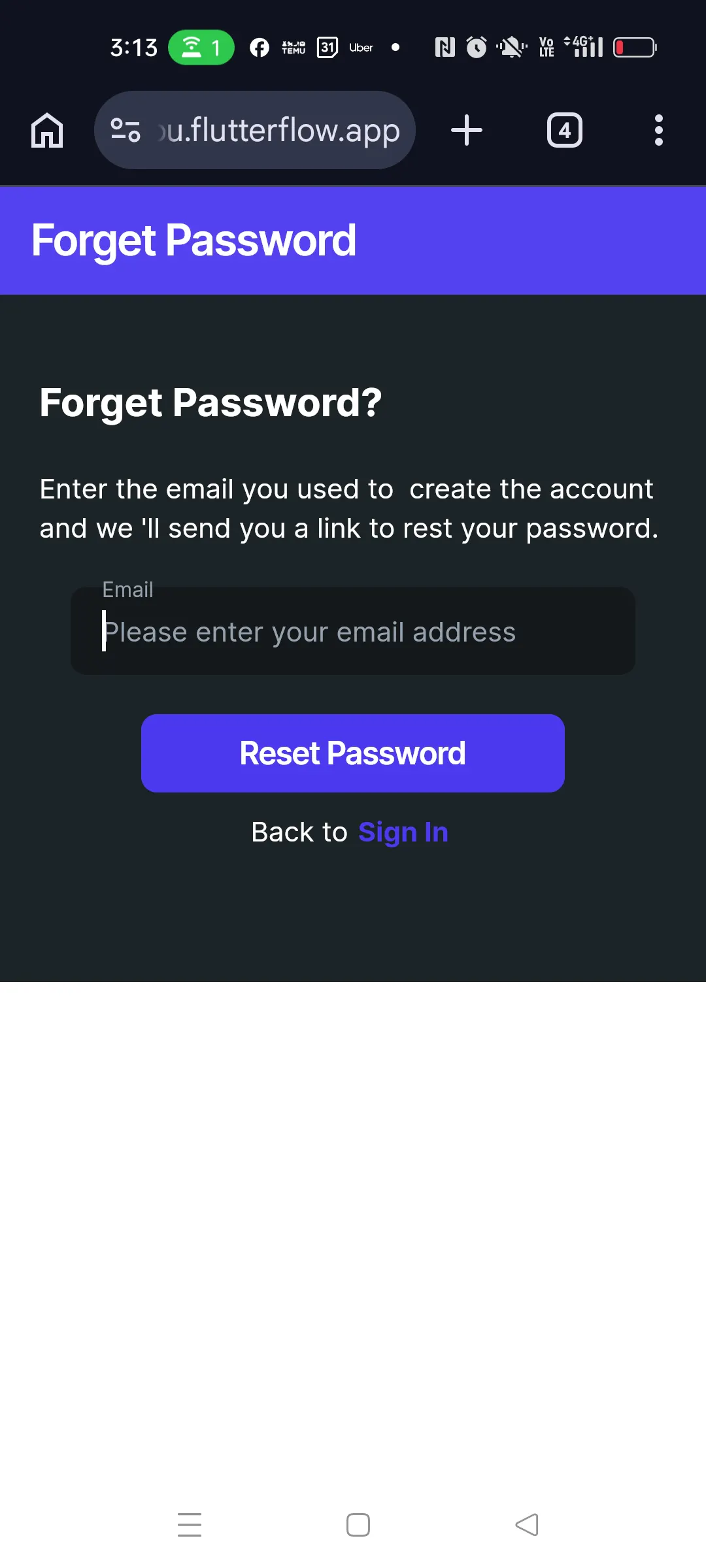
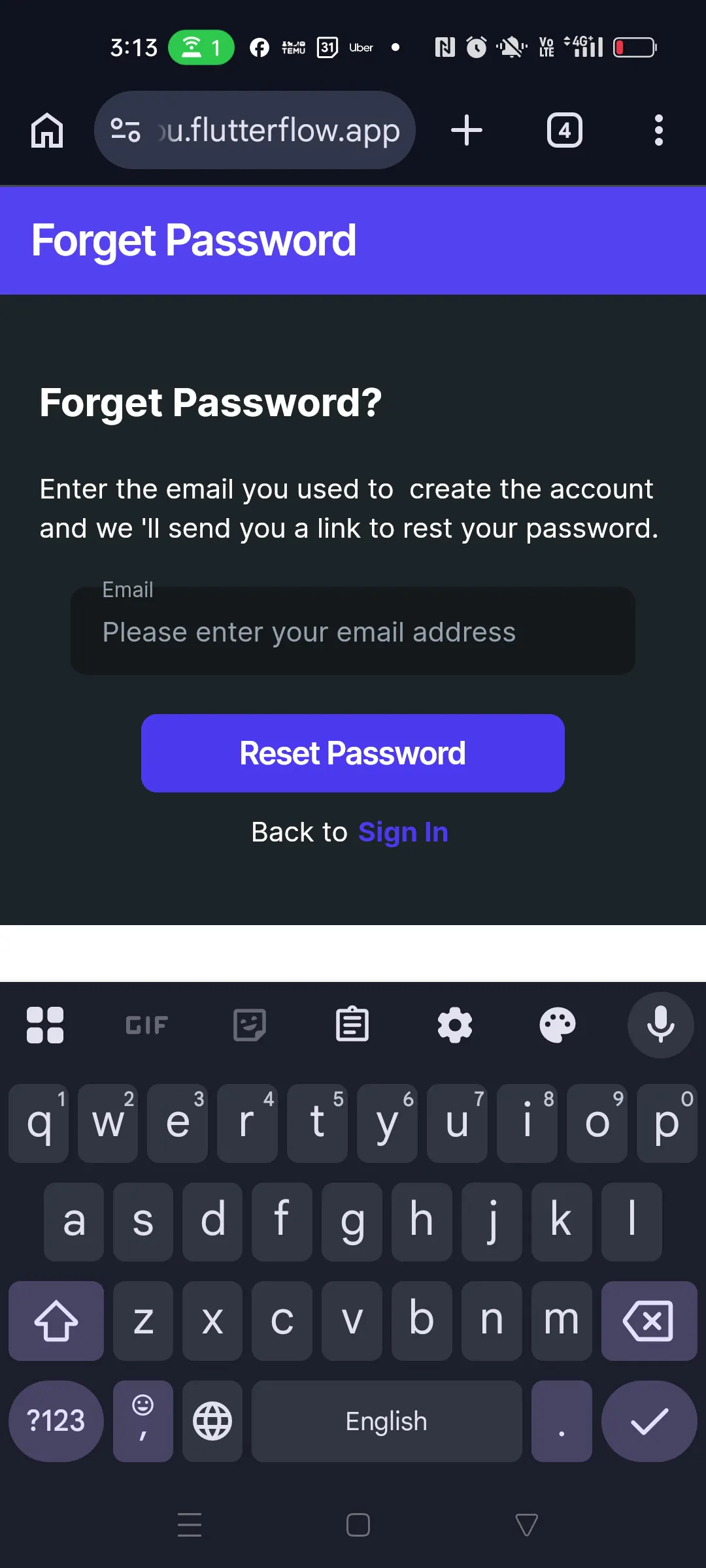
I disabled resizing the page and make disable Android back button on in scafold