


I have a DataTable. I've defined a fixed number of columns for it. I have placed elements inside each column. e.g. a Text in the DataTableHeader and a Text in the DataTableCell
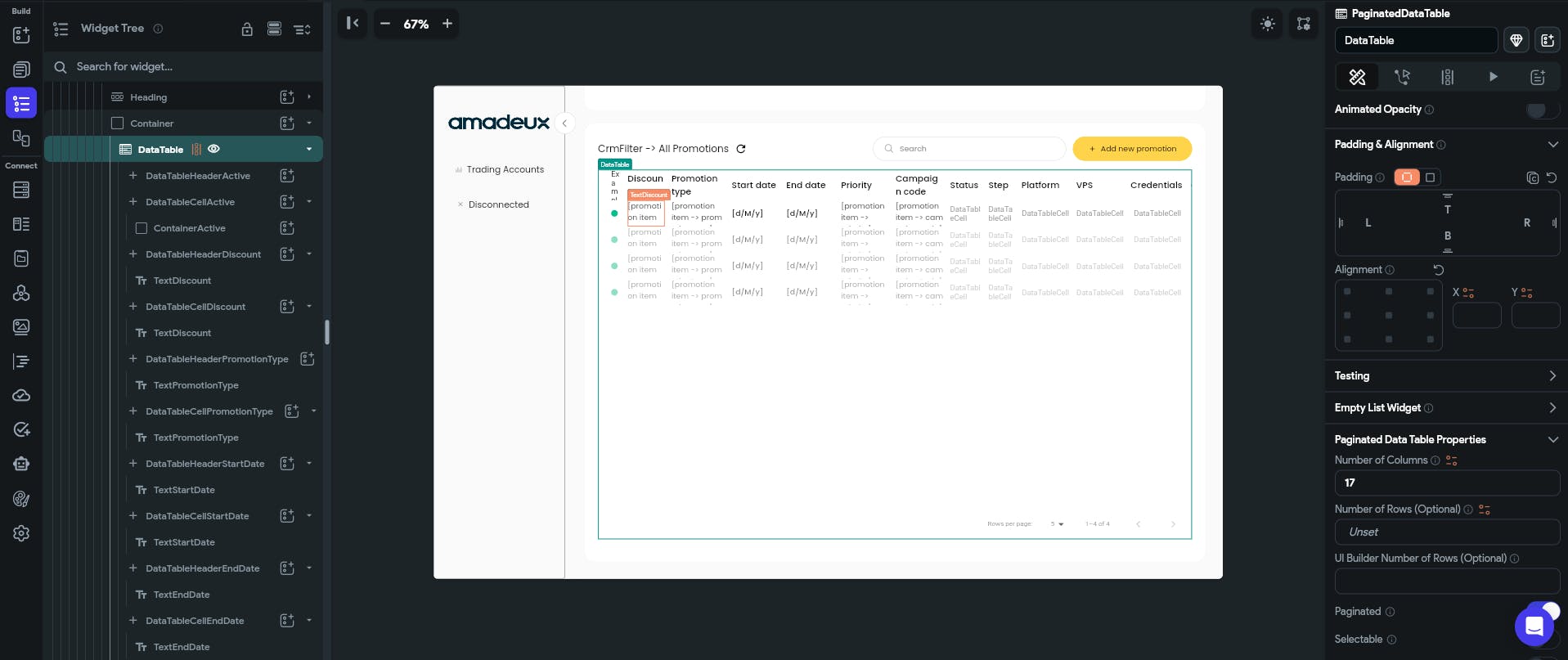
Now, if I change the number of columns of the DataTable, every element inside the columns is reset. The text to show in each Text element is reset, so now I have to go column by column rewiring all Text elements.
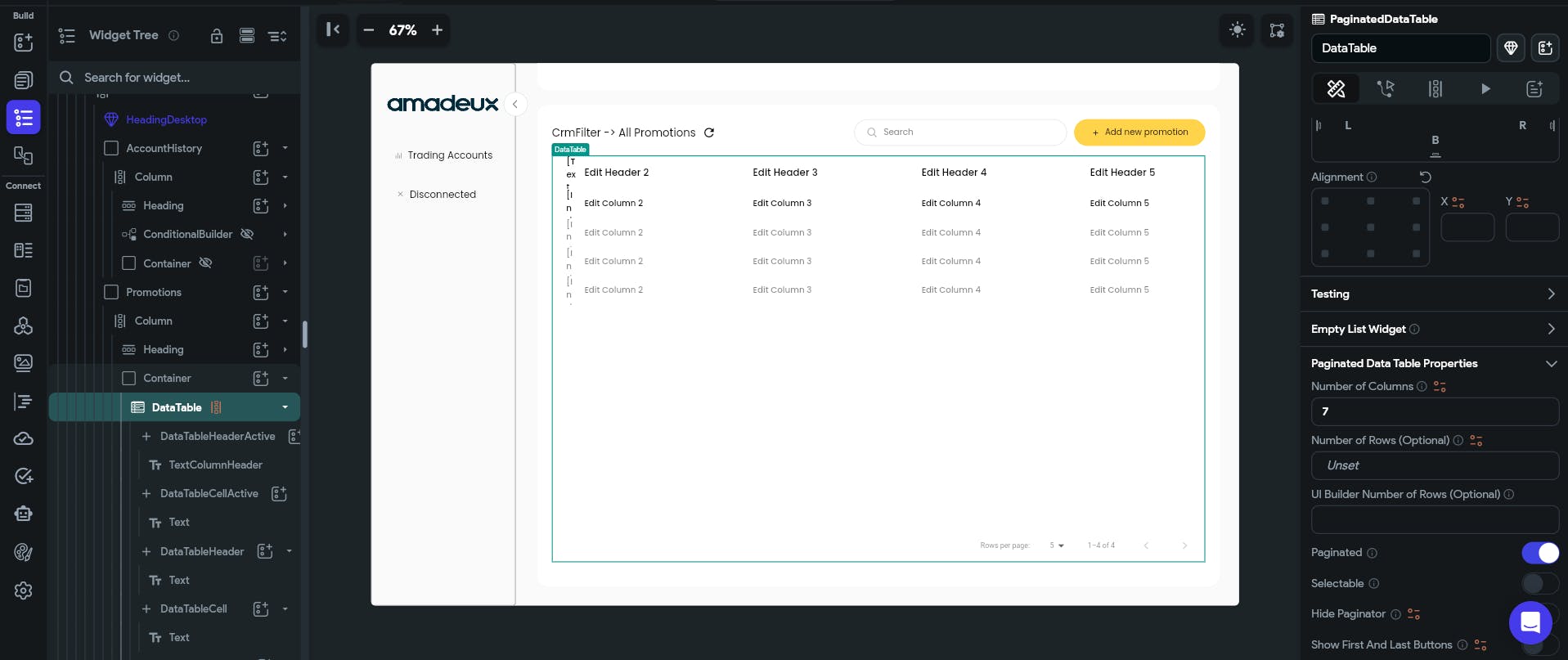
I was expecting that unaffected columns would stay unaltered. Otherwise I have to rebuild the whole DataTable if I missed one column.
Is there a way for this not to happen?
I've changed the number of columns to both a higher and a lower number. I'm getting the same behaviour, DataTable being reset.
I've searched for a related topic in the community but I haven't seen anything covering this topic.
I've checked the official documentation but there is no mention to my topic.
