


Every time I try to change the second language (German) label of a navbar button, it also changes it for another button. Which shouldn't be the case. How can I decouple them somehow?
It only happens with the Home and Hammer button, not with the Calendar one.
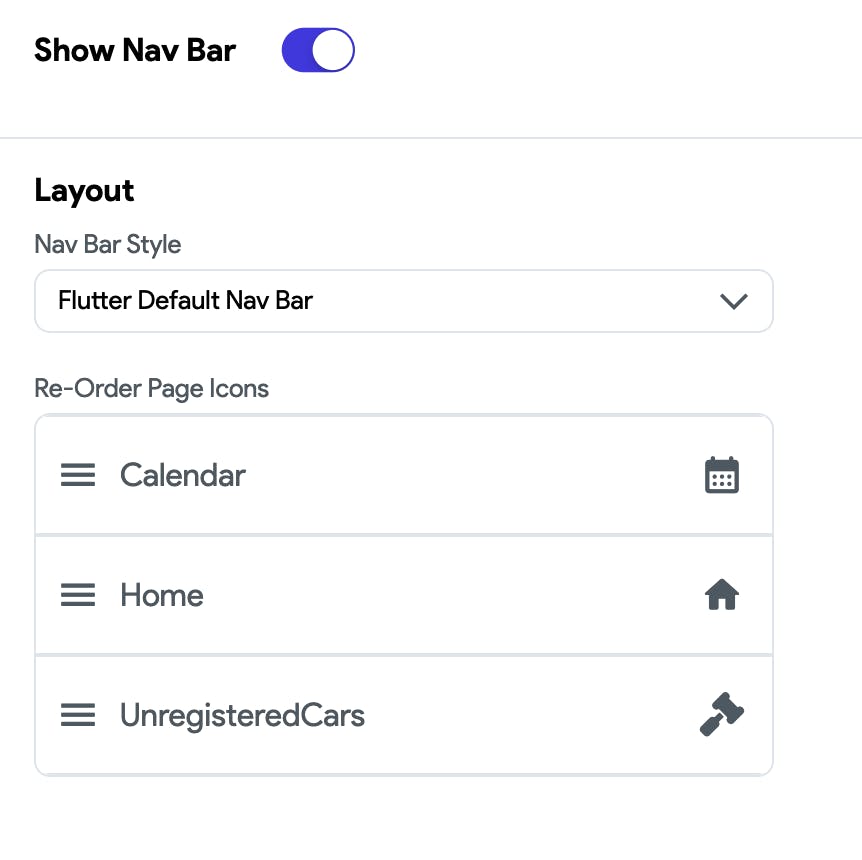
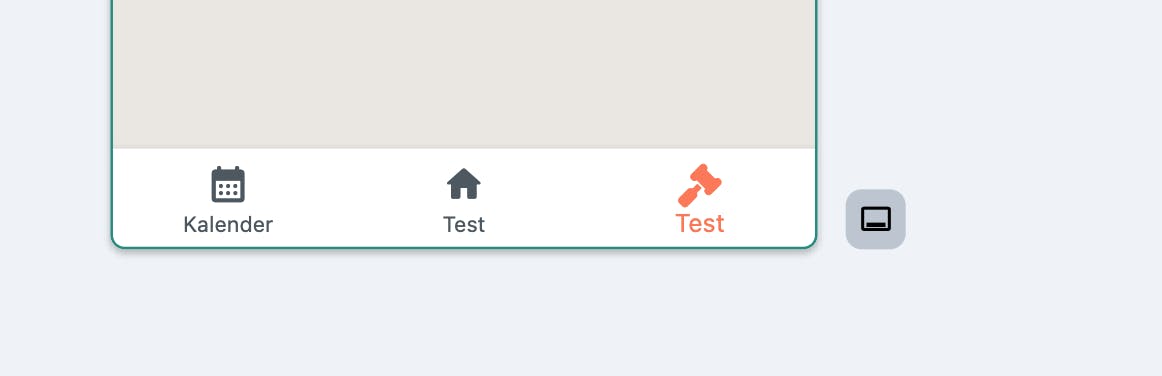
I tried to use different navbar, checked the page settings, checked the translations, but no luck so far.