


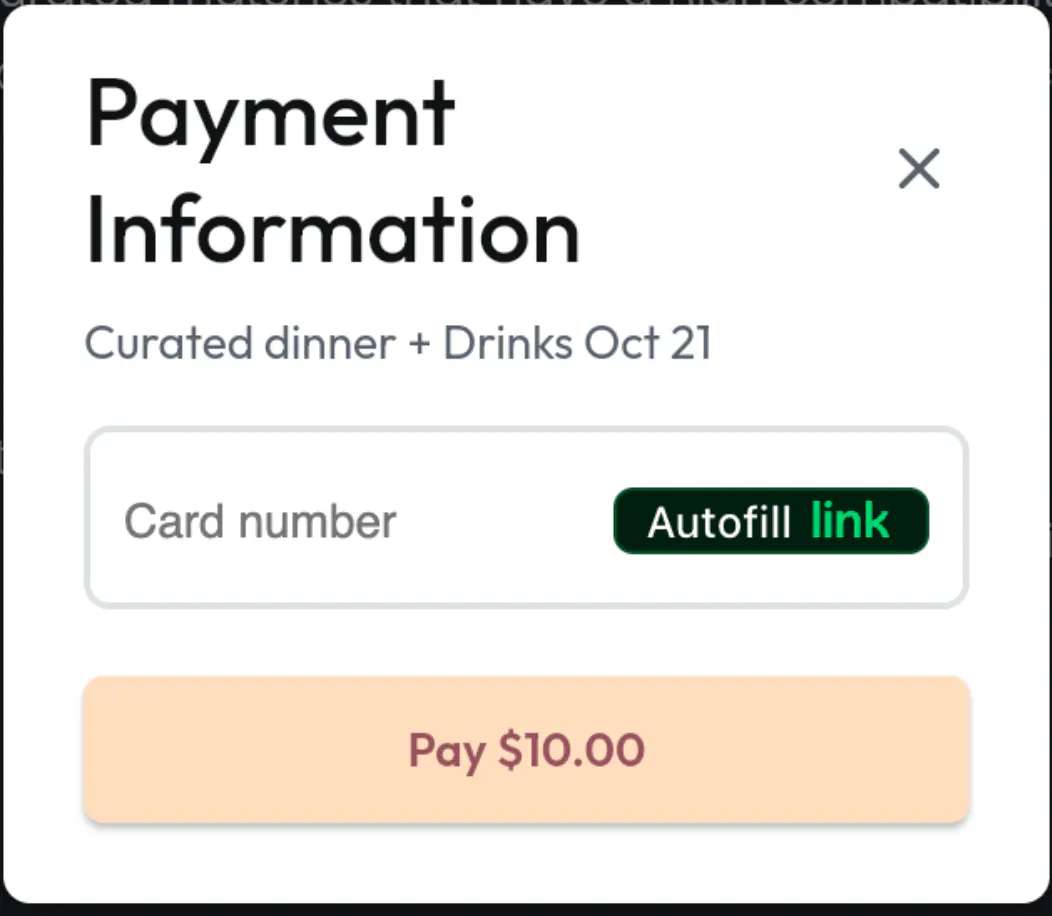
I followed the steps on this page (https://docs.flutterflow.io/integrations/payments/stripe/) to set up Stripe. Whenever the "purchase ticket" button is clicked, it runs the Stripe payment action and the Stripe payment card pop ups as it should -- so all of this is working fine.
Problem is, if I were to click "Pay" without entering any credit card information, the payment popup closes and a badly formatted error message is shown in the snack bar.
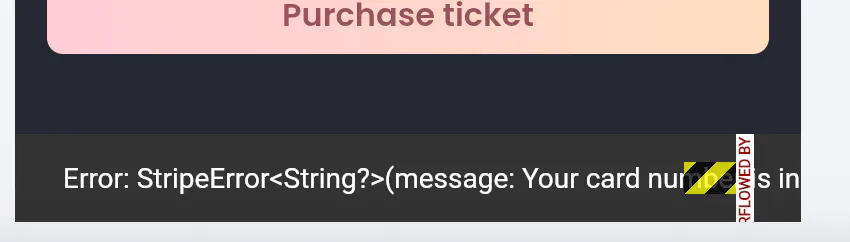
I can't fix this error message or hide it, nor can I do my own check of whether the user has put in a credit card number. I can only check if the payment was successful, but what I want is to be able to handle what happens when there is an error.
What I would ideally like to have is if a user doesn't enter any credit card information and tries to click on the "Pay" button, the Stripe payment pop up should remain open (instead of closing) with an error message somewhere on there. Or at the very least, the snack bar should display the error message properly -- as in display the actual error text, not "Error: StripeError<String>?(message: ...) as it is doing now.
Is there any way to fix this?
Emailed Stripe support but never heard back.