



FlutterFlow empowers rapid app development, but what if you need a truly dynamic, user-configurable content system within your app? This article delves into building a custom "mini page builder" framework directly in FlutterFlow. We'll explore the benefits of a single NoSQL collection for flexible content storage, illustrate how custom code can handle complex rendering and data interpretation, and showcase a UI-driven approach that puts design power in your users' hands and this let you deploy once to Play Store or Apple Store and after that you continue building without redeploying. Learn how to transform FlutterFlow into a platform for dynamic content creation.
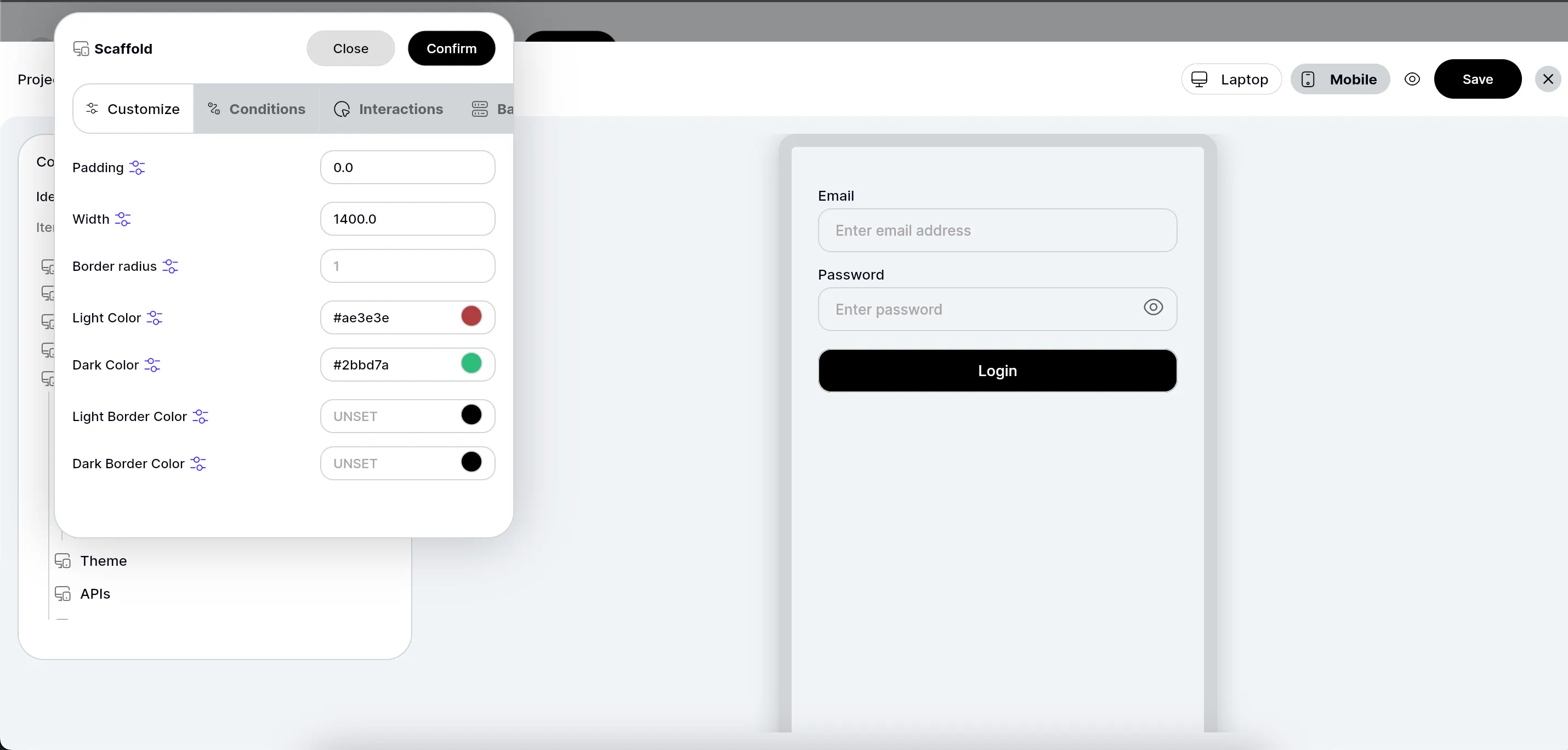
The Problem: Many apps need flexible content layouts, not just fixed pages. Think about CMS systems, customizable user dashboards, or dynamic marketing content.
The FlutterFlow Advantage: While great for fixed UIs, FlutterFlow can be extended to create these dynamic experiences.
What We're Building: A "mini page builder" where content creators (or even end-users) can assemble page layouts from predefined components, all stored and rendered dynamically.
The Challenge with Traditional Relational: Imagine creating separate collections for "blog posts," "product pages," "event pages"—each with slightly different fields. It quickly becomes unwieldy.
The NoSQL Solution (Firestore): A single collection, say dynamic_pages, can store all your page content.
collection_type Field: Introduce a field (e.g., page_type, record_type) to categorize your documents (e.g., "blog_post", "product_detail", "user_dashboard").
content_json Field: Store the actual page structure (widgets, properties, data sources) as a flexible JSON map within each document. This is where your page builder data lives.
Benefits: * Scalability: Easily add new page types without schema migrations.
Flexibility: Each document can have entirely different nested structures.
Simplicity: Centralized management of all dynamic content.
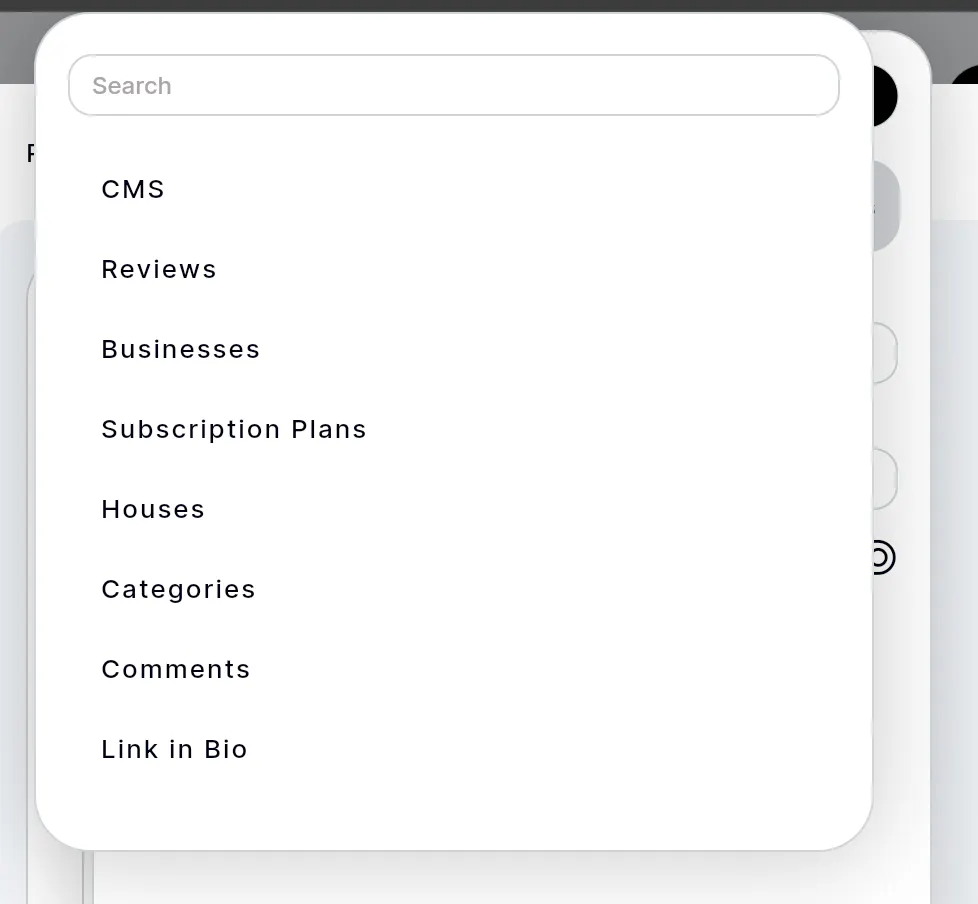
The Builder's Purpose: To allow users to select, configure, and arrange pre-defined "building blocks" (widgets) that make up a page.
Key Components of the UI Builder:
Widget Palette: A list of available UI components (e.g., Text, Image, Button, Card).
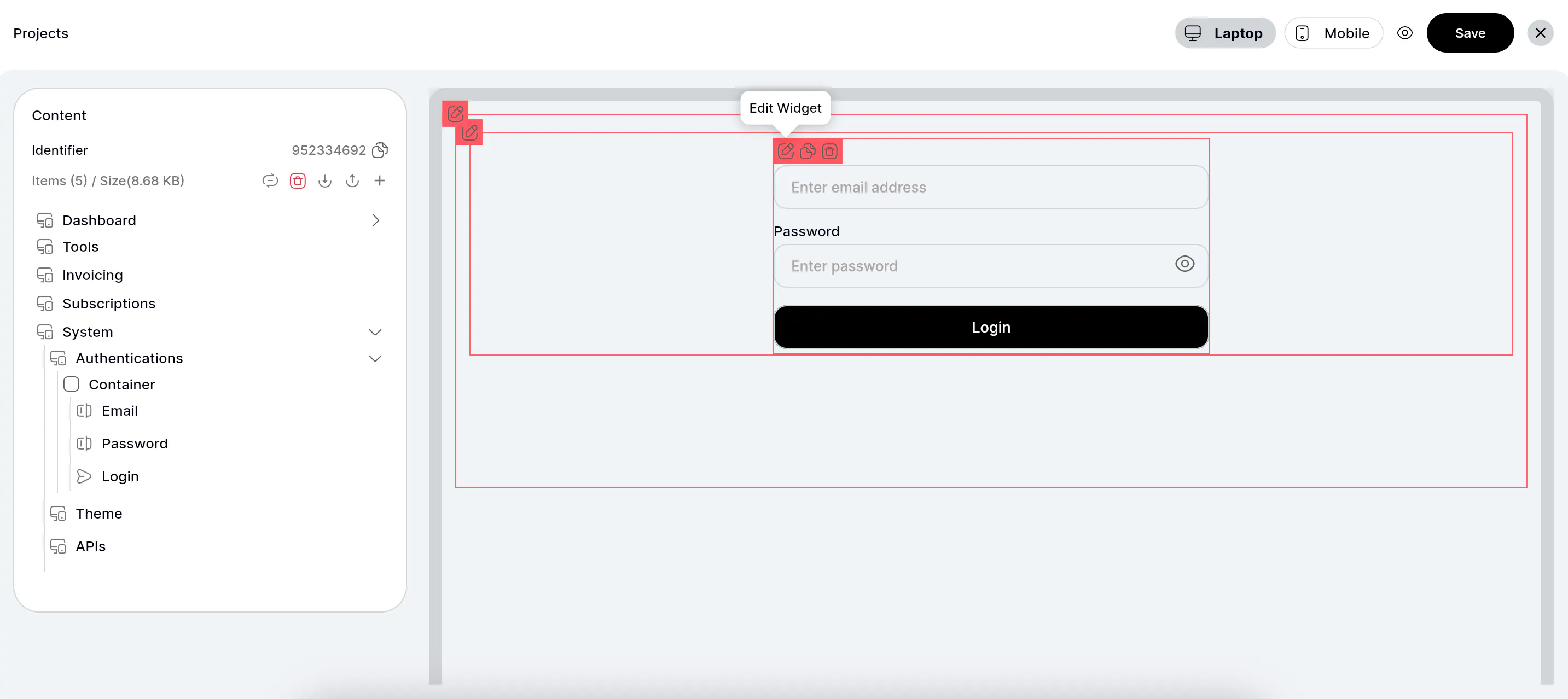
Canvas/Preview Area: Where the selected components are visually arranged.
Properties Panel: To configure each selected component (text, image URL, colors, actions).
The content_json Schema: Each entry in the content_json map represents a widget, defined by its type, properties, data_source, and actions.
Example content_json Structure:
JSON
[
  {
    "type": "Text",
    "properties": {
      "text": "[AuthenticatedUser.display_name]'s Dashboard",
      "fontSize": 24,
      "color": "#FF000000"
    },
    "conditions": {
      "show": "[AuthenticatedUser.IsUserLoggedIn]"
    }
  },
  {
    "type": "Image",
    "properties": {
      "url": "https://example.com/banner.png",
      "height": 200
    },
    "actions": [
      {
        "onTap": "NavigateTo",
        "page": "ProfilePage"
      }
    ]
  }
]
Rendering Logic: A FlutterFlow custom widget or a series of conditional builders iterates through this content_json and dynamically renders the corresponding FlutterFlow widgets.
5. The Power of Custom Code: Handling the Heavy Lifting
Problem: FlutterFlow's native UI builder is great, but interpreting dynamic JSON into live widgets, binding data, and handling complex logic requires more.
Our Toolkit: Custom Functions are the workhorses.
mapToList (Data Extraction & Normalization):
Purpose: The universal data extractor. It takes any FlutterFlow data type (Firestore Records, DocumentSnapshot, raw Maps, Lists, GeoPoints, Timestamps) and converts it into a standardized, flattened list of key-value pairs. This makes all data uniformly accessible.
Benefit: No more guessing data types; it just works. Handles nested maps, arrays, references, etc.
processDynamicText (The Interpreter):
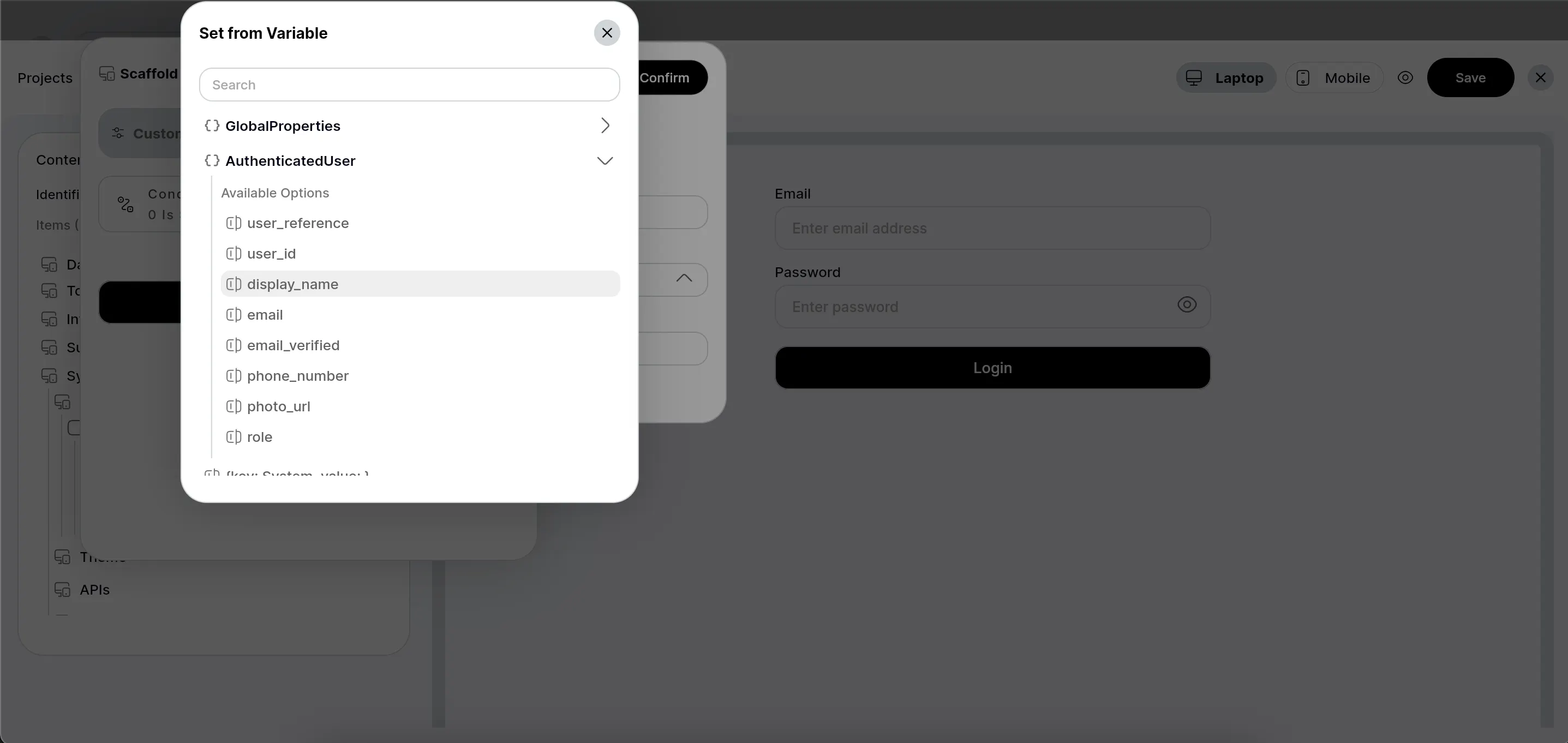
Purpose: The core of variable substitution. It takes your raw text ("Hello, [AuthenticatedUser.display_name]") and a consolidated data map (containing User, CMS, Global Properties).
Features:
[Source.key] Syntax: Supports dot-notation for deep data access (e.g., [AuthenticatedUser.address.city]).
Global Properties Injection: Automatically injects real-time platform (IsAndroid, IsWeb), theme (IsDarkMode), user (IsUserLoggedIn), and time data.
Dynamic Formatting: Handles [GlobalProperties.CurrentTime|format:MMMM d, yyyy] for dates/times.
Benefit: Enables powerful text templating and dynamic content generation.
Actions: How do dynamic buttons or tappable images work? Your content_json can include actions blocks that define onTap events.
Example: Navigate to a page, update a document, show a snackbar. These are often generic actions configured with parameters.
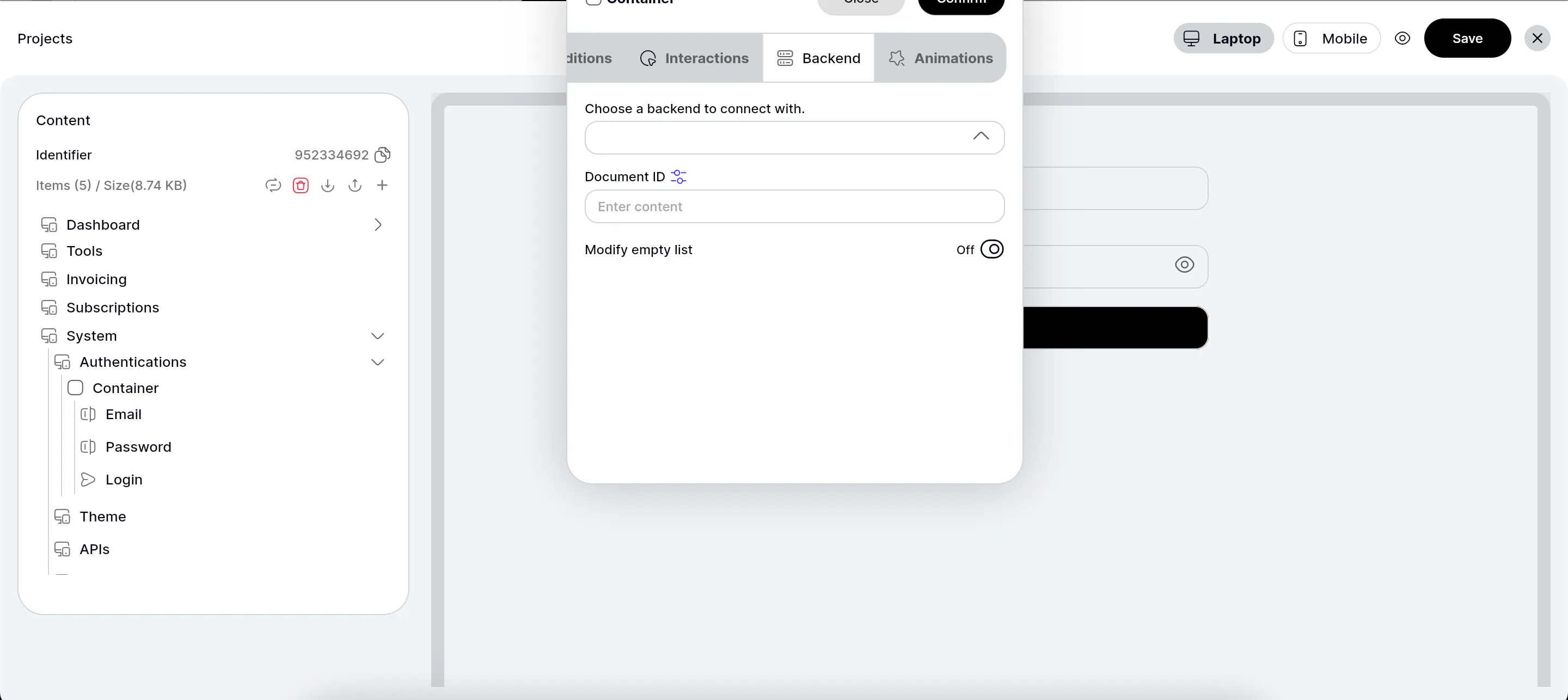
Backend Interaction: Dynamic content needs dynamic data. Your content_json can specify data sources for widgets (e.g., "display this text from AuthenticatedUser.email").
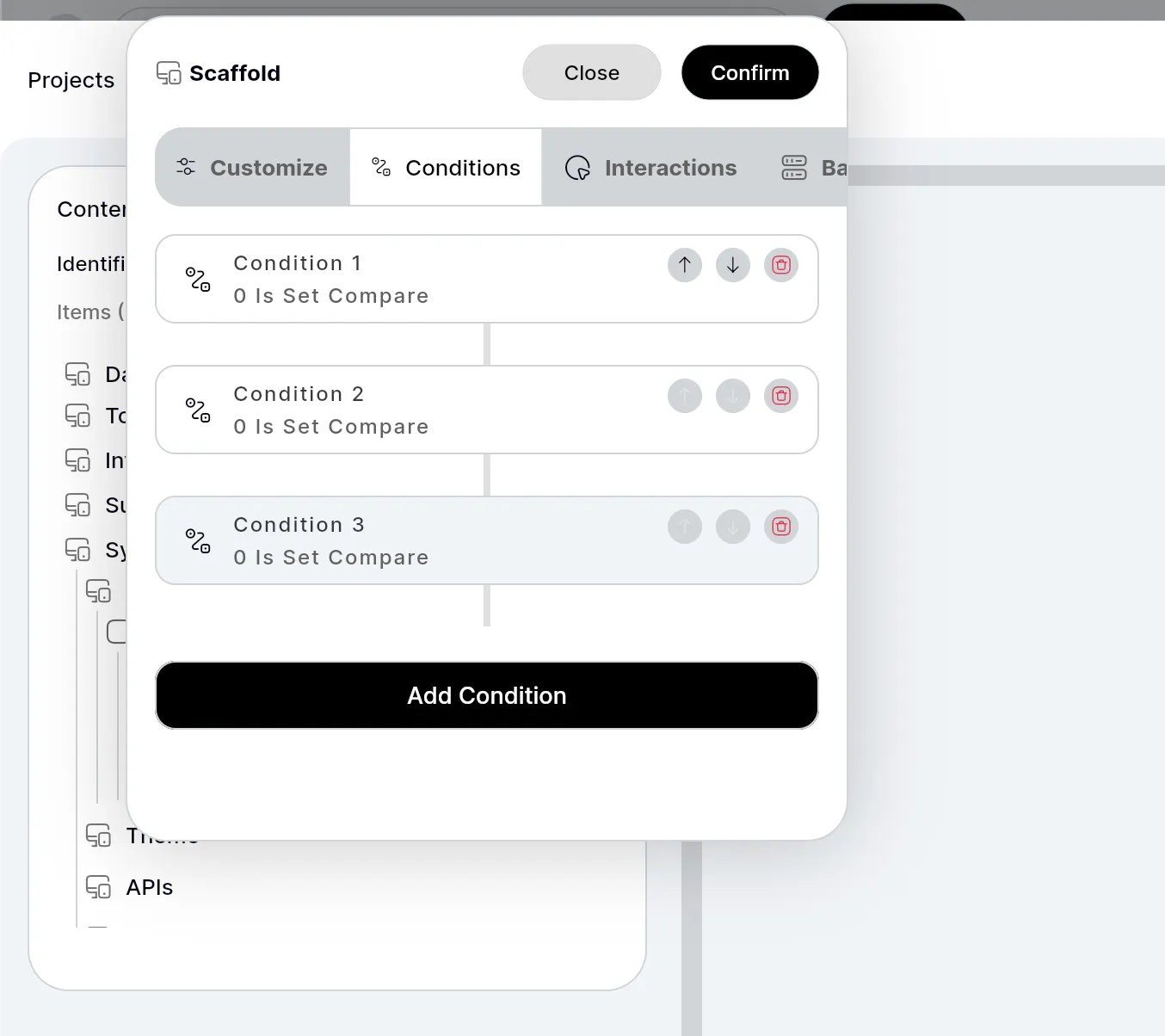
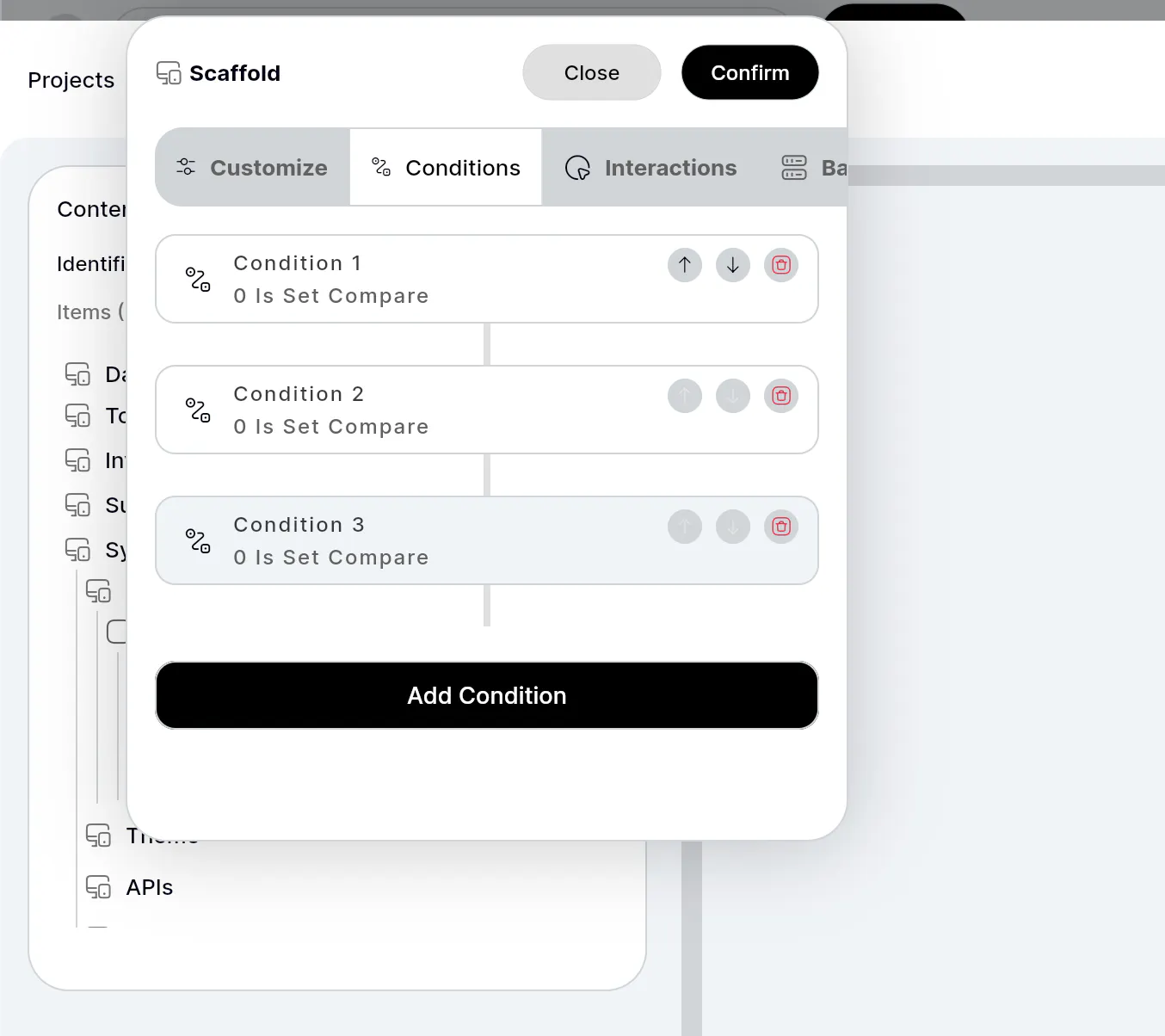
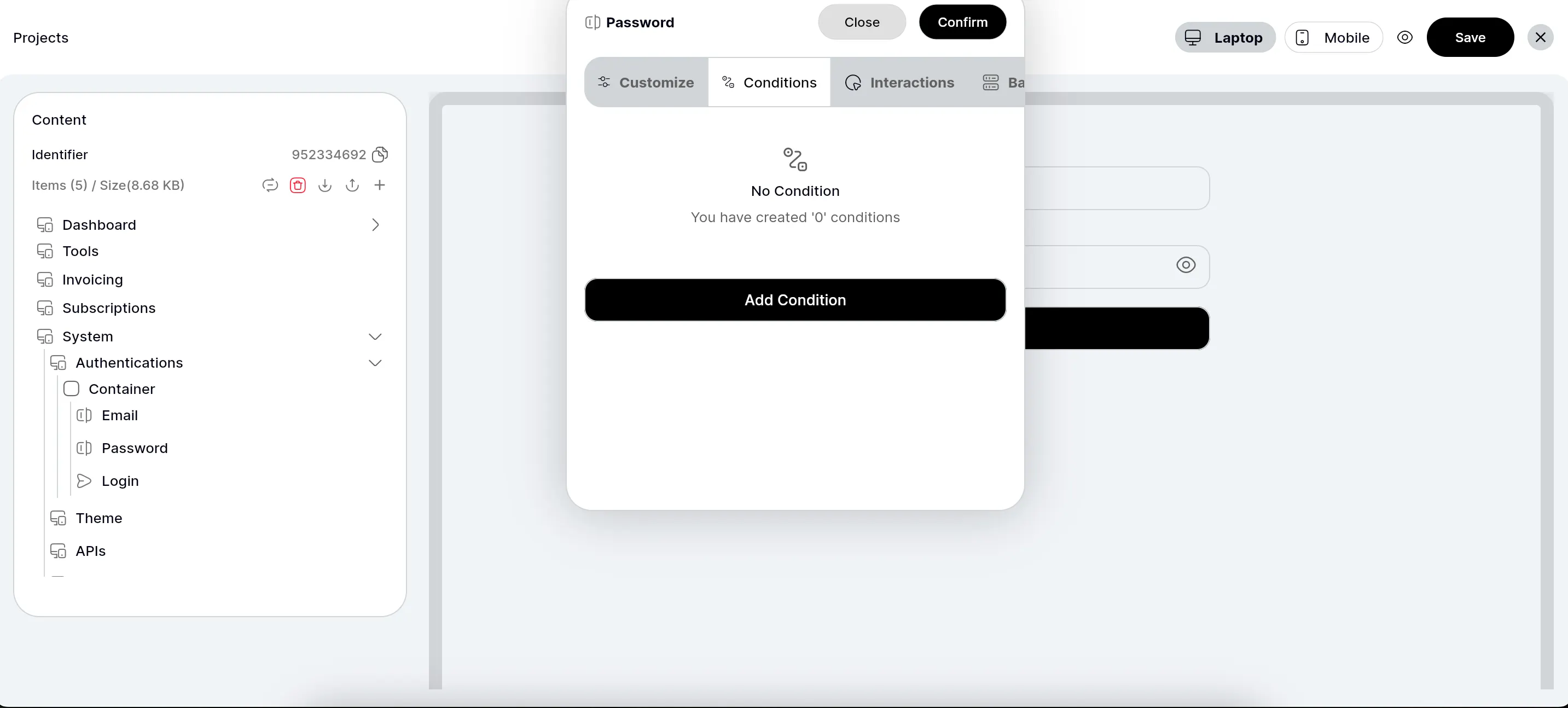
Conditional Visibility: Widgets can appear or disappear based on live data or global properties.
Example: Show a "Login" button if [GlobalProperties.IsUserLoggedIn] is false.
Image Idea: A screenshot of the FlutterFlow action editor where you call your processDynamicText function, mapping arguments from Global Properties or other sources.
Caption: "Configuring dynamic actions and data binding in FlutterFlow, leveraging processDynamicText to power interactive elements."
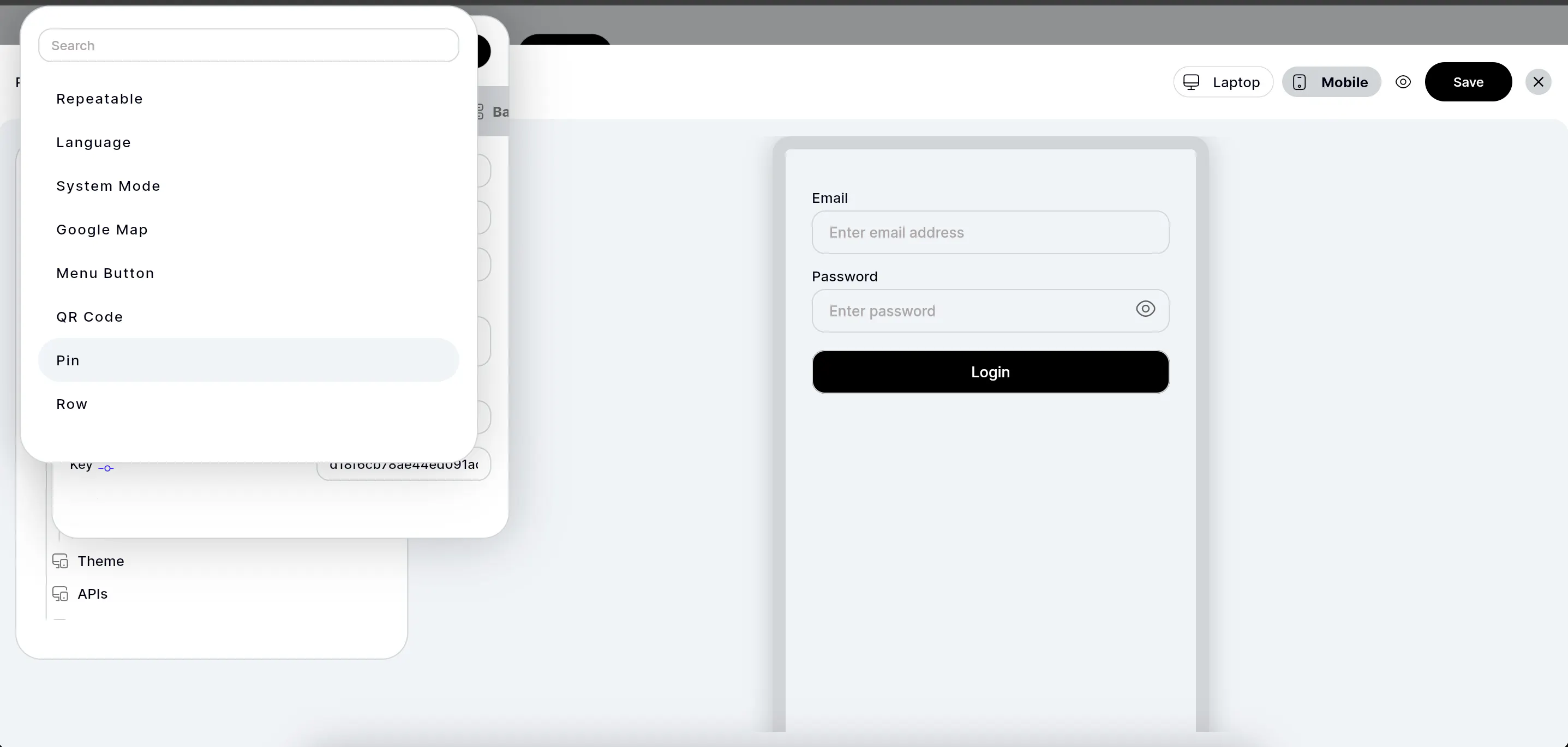
Recap: You've seen how to combine FlutterFlow's rapid UI building with NoSQL flexibility and Dart Custom Code's power.
Benefits:
Agility: Adapt app content on the fly without new deployments.
Control: Empower non-developers to manage page layouts.
Scalability: A robust, future-proof architecture for dynamic content.
Final Thoughts & Next Steps: Building an internal page builder in FlutterFlow is an advanced but highly rewarding endeavor, turning your app into a truly dynamic platform.
I am enthusiastic about this approach and am open for any collaboration or projects that utilize this dynamic architecture. I may also release this entire project on the FlutterFlow Marketplace for a small token in the future.
If you found this blueprint valuable and would like to support future articles and projects, feel free to donate or offer projects by reaching out to me directly at [email protected].
