A null-check bug took me a day to debug, so I'm here to help anybody else struggling with this. I'm a newbie so this may be obvious/basic for many.
Context: Had a null-check error on a query which I knew I had the data on the database. The problem was I was using a data-type inside a component which was not initialized. For me nearly impossible to guess (had some default values on place which didn't work).
How did I track it down?
You'll need:
1- Local Run working.
2- Flutter dev tools (press the small flutter icon next to the device)
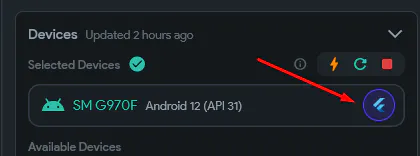
How to:
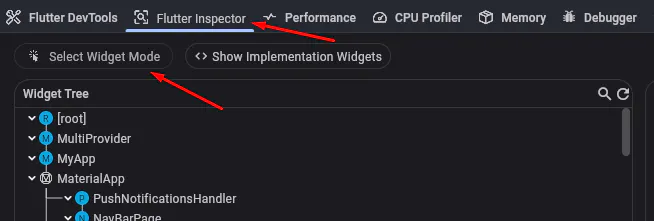
1. When the red null screen appears, check the "Select Widget Mode" in the "Flutter Inspector" screen. With that pressed, when you press in your device the red screen, the widget will be identified in the widget tree (this is not mandatory, but helpful).
2. Search the identified widget in the "Debugger" page.

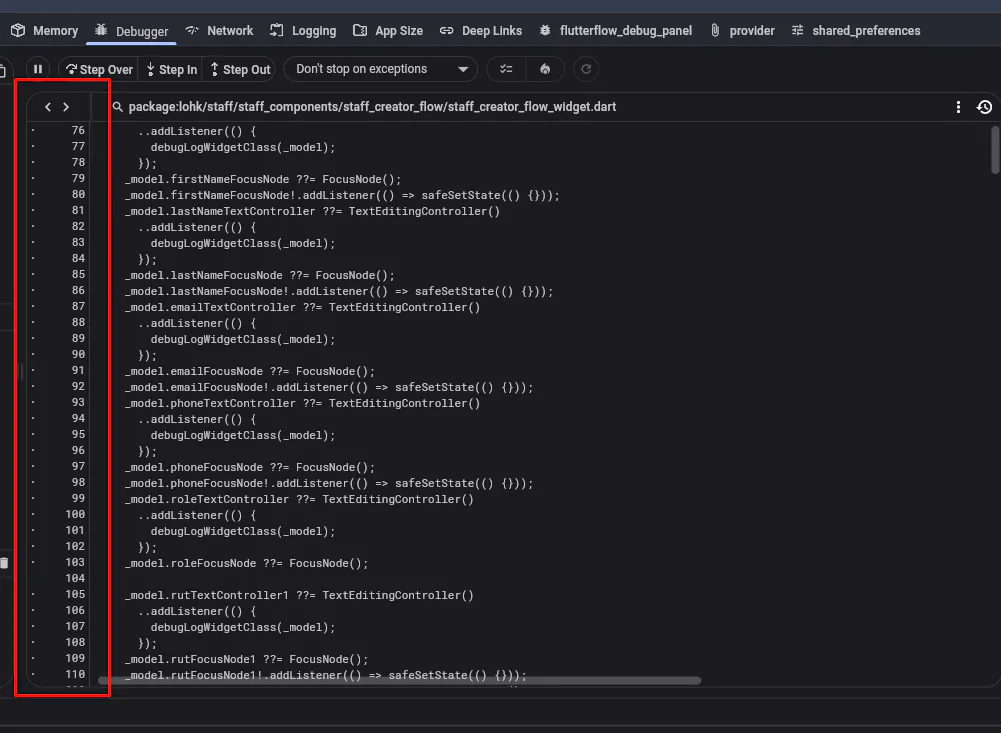
3. The red screen usually has the line where the error happens. Go the that line in the code viewer.
With this + ChatGPT you're probably done.